
 Raku Launcher
All our Turkish dubs and patches in one place. It finds the games on your computer, installs the Turkish version in one click and updates it when a new one is out. It never changes the game's own files, and uninstalling restores the original.
Windows 10 and 11Version 0.1.6 · 19 November 20266,8 MBFreeRelease notes ↗
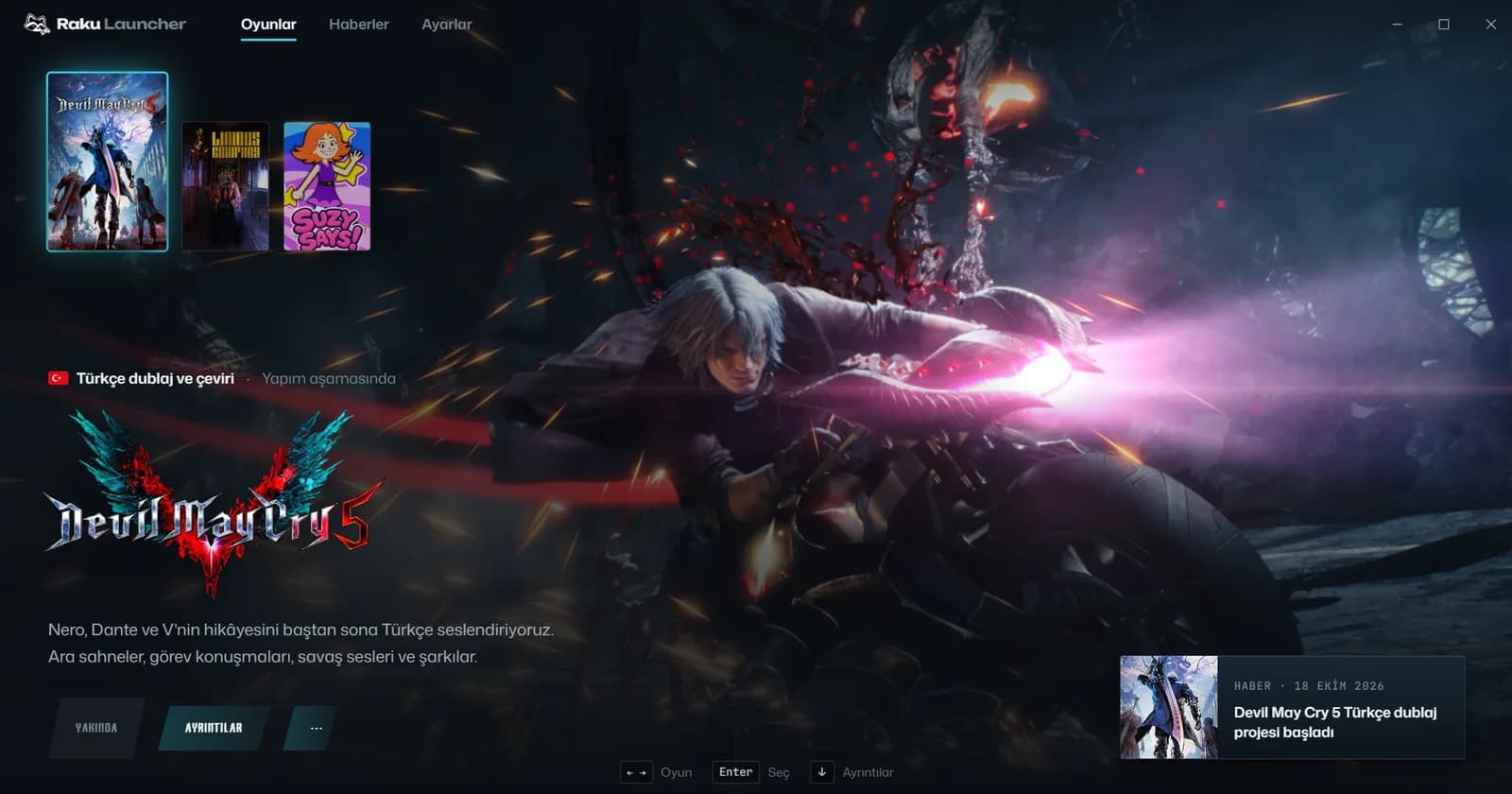
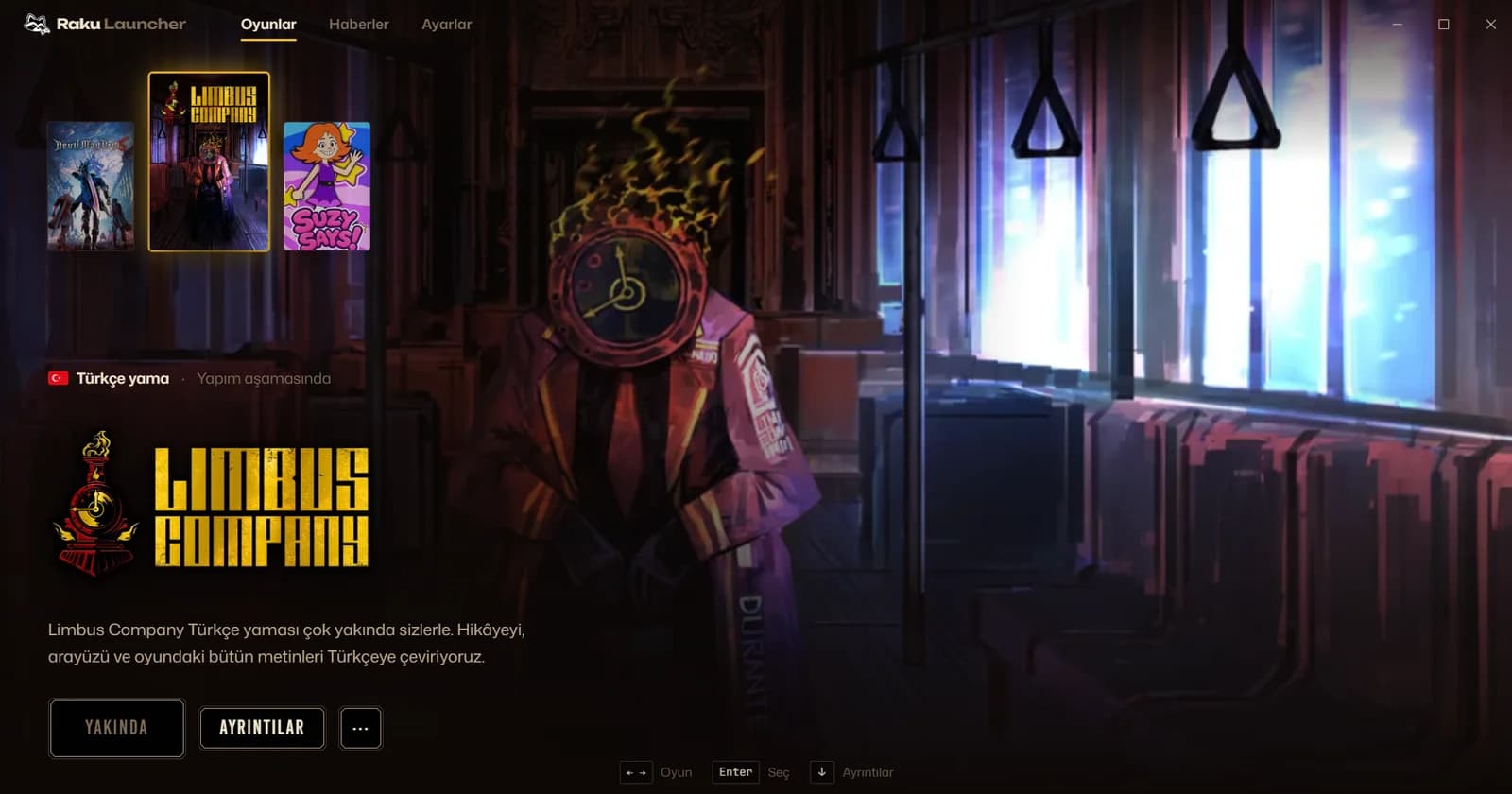
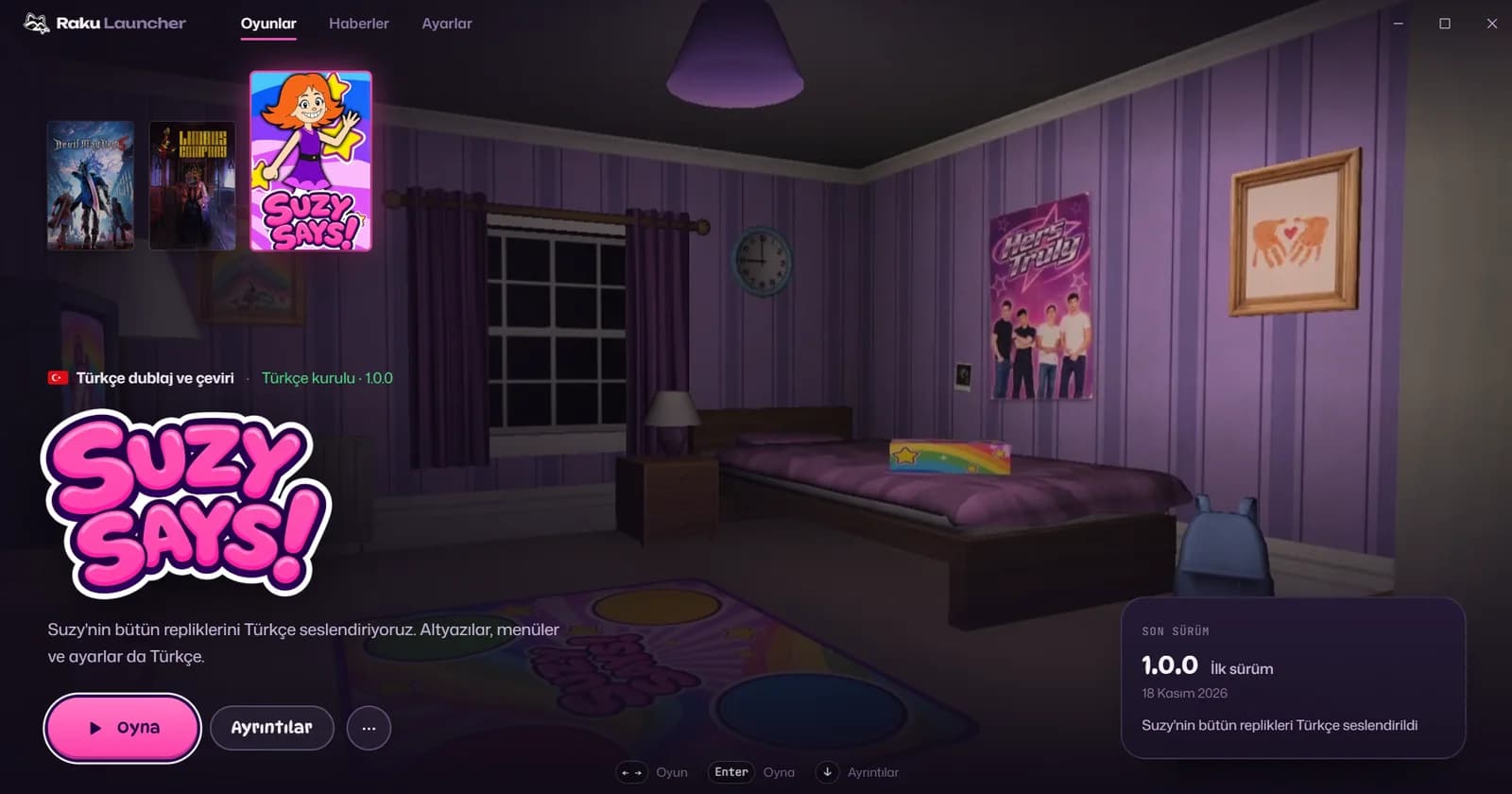
Projects in the launcher
When a new project is ready it shows up in the launcher on its own, nothing else to download.

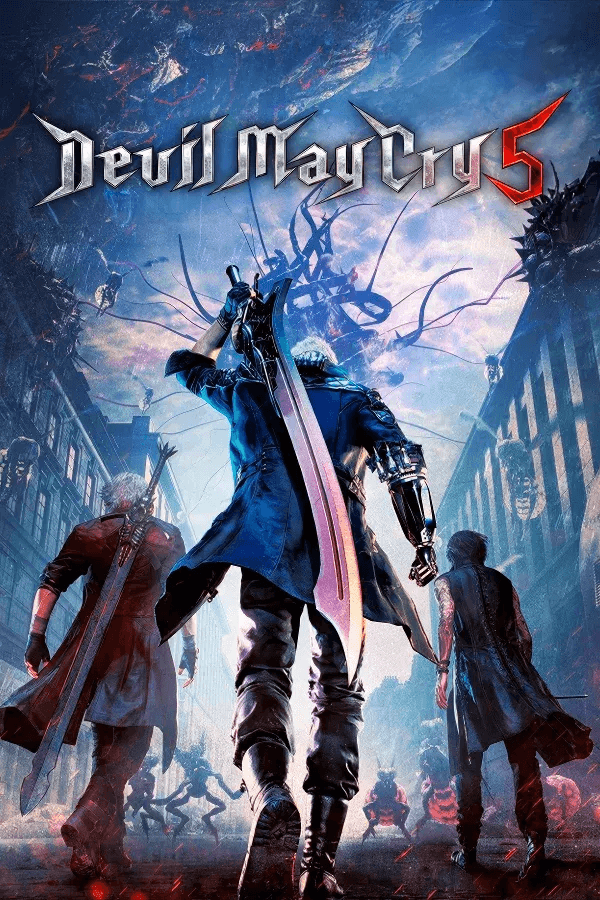
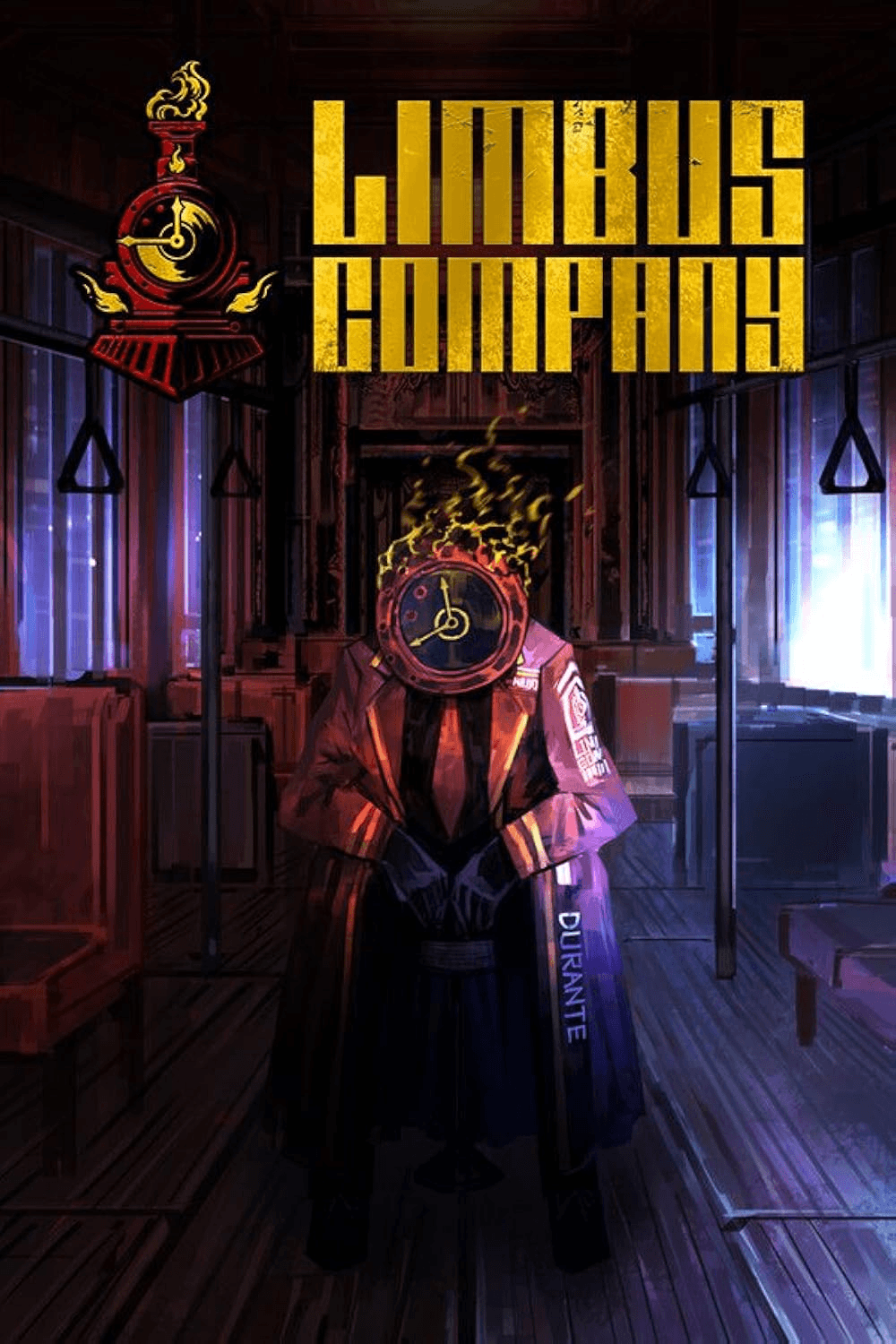
How does it work?
1
It finds your game
On first launch it scans your Steam library. You don't need to know which folder the game is in.
2
You pick a project
Games with a Turkish dub or patch appear in the list. The ones that are ready get an Install button.
3
It installs in one click
It downloads the package, verifies it arrived intact and installs it. Removing it is one click too.
If Windows shows a warning
The launcher is new and isn't code-signed yet, so Windows shows a blue warning the first time you open the installer. You only need to get past it once.
- 1More info.
- 2Run anyway and the install starts.
Only download the installer from this page. The right file is called:RakuLauncher_0.1.6_x64-setup.exe
What it does
Takes on the game's theme
Pick a game and the interface switches to its colours, its type and its opening scene.
Turkish or original
Launch Limbus Company in Turkish or English with one click. The patch stays in place.
One click from the site
The Install with launcher button on a project page opens the launcher and asks you to confirm.
Updates itself
When a new version is out it lets you know, verifies the signature and installs it in one click.
Works with a controller
Pick, install and play with the arrow keys and Enter, or a controller.
No load in the background
While you play or while it's minimised it uses almost no CPU.
Is it safe?
Leaves your game files alone
The Turkish package sits next to the game and never changes its own files. Uninstalling removes only what it added.
Never half-installed
If an install is interrupted, it rolls back the next time you open it. Your game won't be left broken.
Signed list
The game list is signed with our key. Every package is checked against the hash in that list after download, and anything that doesn't match isn't installed.
No account
No email, no login, no personal data. Download and use it.
System requirements
- Operating system
- Windows 10 or 11, 64-bit
- Game
- Installed on your computer
- Launcher
- 6,8 MB installer, about 10 MB once installed
- Patches
- As much free space as the package. It tells you before downloading if there isn't enough
- Internet
- Needed to download, not to play. Interrupted downloads resume where they left off
Before you download
Does it cost anything?
No. The launcher and every dub and patch in it are free.
Can I download without the launcher?
No. Patches install only through the launcher. It checks the package is complete and signed by us, and restores the game when you uninstall.
Will it break my game files?
No. The launcher never changes the game's own files, it adds the Turkish package next to them. Uninstalling removes only what it added and never touches your saves.
What happens when the game updates?
The launcher notices and shows a Repair button that reinstalls in one click. When a new Turkish version is out, an Update button appears.
The launcher can't find my game. What now?
It looks in your Steam libraries and the game's usual folders. If it still can't find it, use Choose game folder in the game's ··· menu and point it to the folder.
What if something goes wrong?
Write to the team from Settings > Report a bug in the launcher. Attaching the log file helps us find the problem faster.
How do I uninstall?
Remove the patch from the launcher with Remove Turkish patch in the game's ··· menu, and the game goes back to its original state. Remove the launcher itself from Windows Settings > Apps.
Install the launcher and let it find your games.
Games with a Turkish version are listed the first time you open it.